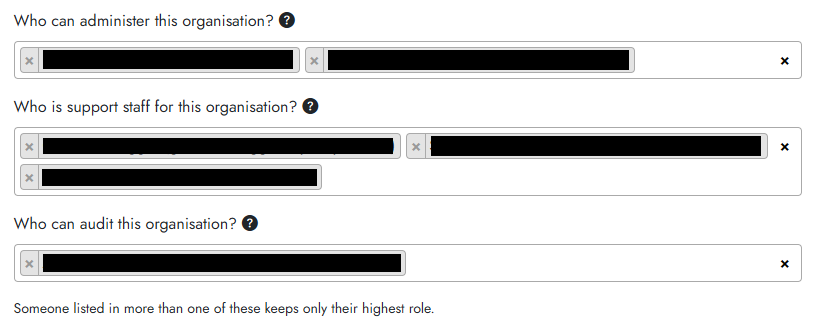
Cogniti currently supports three levels of organisation- (tenant-) wide roles:
- Administrators – can access and edit anything in the organisation. Typically IT administrators, learning technology team leaders, etc.
- Support staff – can access and edit anything in the organisation except organisational settings. Typically learning designers, IT support personnel, etc.
- Auditors – can access but not edit anything in the organisation. Cannot edit organisation settings.
To grant people these roles, click on the Users and organisations button in the menu, and head to your organisation’s edit page.
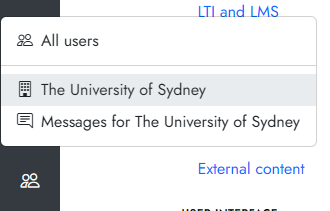
Click into the Administrators tab.

In the fields for the three roles, enter a name and select the user. Remembre to click Save organisation when done.