Cogniti comes with an in-built system-wide support agent. This support agent has access to the Cogniti documentation on this site, as well as the page context and configuration. It is a useful source of L0 support for users.
You must be a superuser to manipulate the support agent.
Setting up the agent #
Access the administrator controls by clicking the control cog in the menu.

In the Support agent tab, click Set up support agent if one doesn’t already exist.
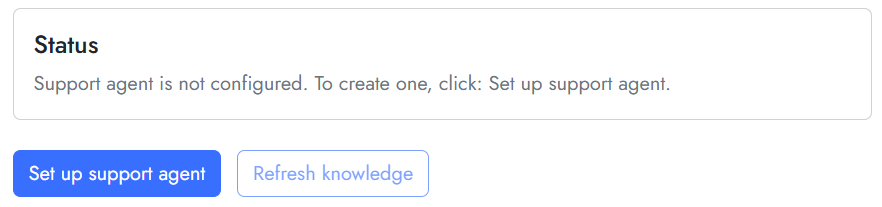
This will establish a new agent using system-managed settings. It will be established in the organisation that you, the superuser, belong to.
Next, you must ensure that the support agent belongs to an organisation that has AI models (embedding and inference) set up. This is needed for the support agent to be able to process incoming support documentation files.
Click the Agent ID link. This will open the familiar agent editing screen. In the Ownership tab, change the Organisation to an organisation that has the appropriate AI models set up. It may already be in the right organisation.
Now you are ready to refresh the agent’s knowledge.
Refreshing the agent’s knowledge #
The agent pulls from support documentation available on the Cogniti website. These are stored in the agent’s resources. It also generates a summary of these docs and stores the summary in its knowledge. You can actually view these resources and knowledge in the agent’s edit screen.
To refresh these resources and knowledge, click the Refresh knowledge button.

You can click this every now and then to check for updates.
If you click Sync support agent, this will re-sync the configuration of the support agent to its managed state.


