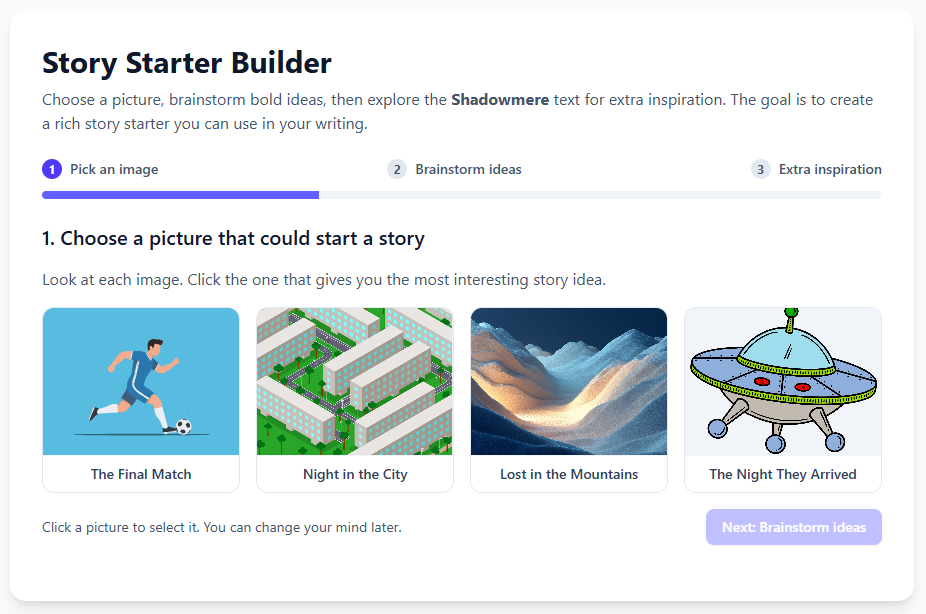
If you have specific images or files that you need your mini app to draw upon, use, or link to when it runs, you can add them to the mini app’s Assets.
Uploading assets to your mini app #
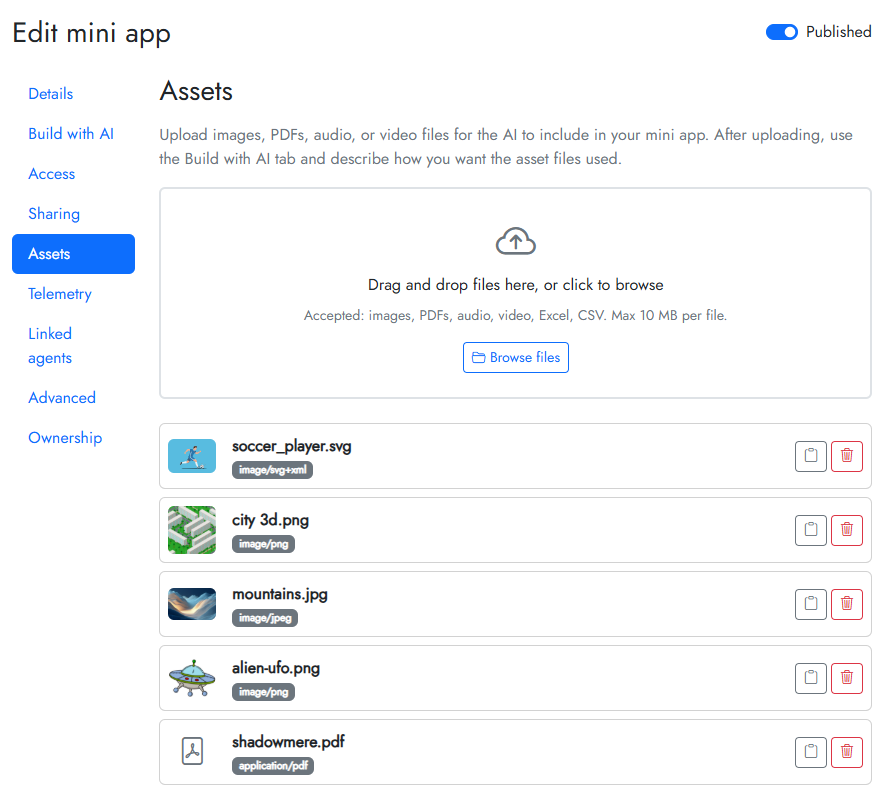
Click into the Assets tab and upload files.
Your uploaded files will appear alongside their filename. Note down their filenames, because you will need to use these when building out your mini app.
Refer to the assets when building your mini app #
When chatting with your AI builder in the Build with AI tab, you just need to tell it to use the assets you have uploaded. For example:
Build a story starter where students need to pick from one of the four images (soccer, city, mountains, alien ufo) to spark their creativity. After they have chosen, they need to brainstorm some ideas and then you can allow them to download the shadowmere file for further inspiration.
This will create something like this: