Everyone benefits when we share our experiments with generative AI. Cogniti makes this possible through ‘cloning’ agents and interactive mini apps.
By default, only the creator and authorised administrators are allowed to see and copy an agent or mini app. If you are the creator or administrator you can control the sharing settings and allow others to see and copy your agent, and similarly for mini apps.
To see the cloning screen for a particular agent or mini app, click the clone icon:

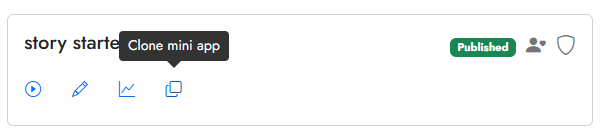
If this button is not available, it means you do not have permission to clone the agent or mini app. In order to clone agents or mini apps, it needs to be set to allow copying and you need to have permission to create agents or mini apps.
Once you click on the clone icon, you will be shown a screen with some basic information about the agent or mini app. All fields will be read-only for now so that you can review the existing design of the agent or mini app and decide if you wish to borrow some ideas from it, or clone it in its entirety. For privacy and security reasons, some details will not be shown on the clone screen. For example, resources for agents are not shown, and the creator and authorised administrators are not shown.
If you don’t wish to clone the agent or mini app, simply leave the page. We hope you’ll have been able to gain something from seeing its design.
If you wish to clone the agent or mini app after reviewing it, click the clone button:

The cloning process will commence and, once completed, you will be redirected to edit your own copy of this agent or mini app. You will be the owner of the newly-cloned agent or mini app.
Note that for security and privacy reasons, some elements of the agent or mini app are not cloned, unless you are the creator or administrator of the agent or mini app that you are cloning.


