Cogniti supports internationalisation into a number of languages for its interface.
Its AI agents also support over 100 languages.
Setting the interface language #
When chatting with an agent #
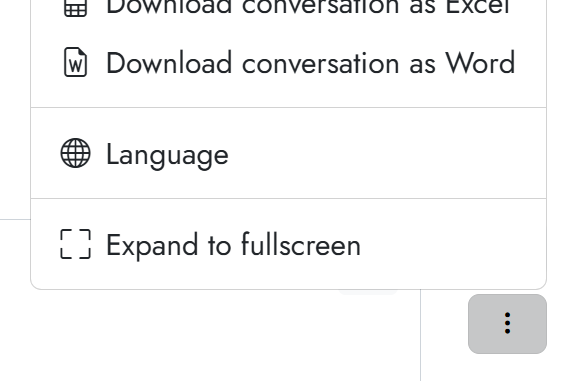
When chatting with an agent, click the three dot (‘kebab’) menu in the bottom right next to the chat box. Select the Language menu option.
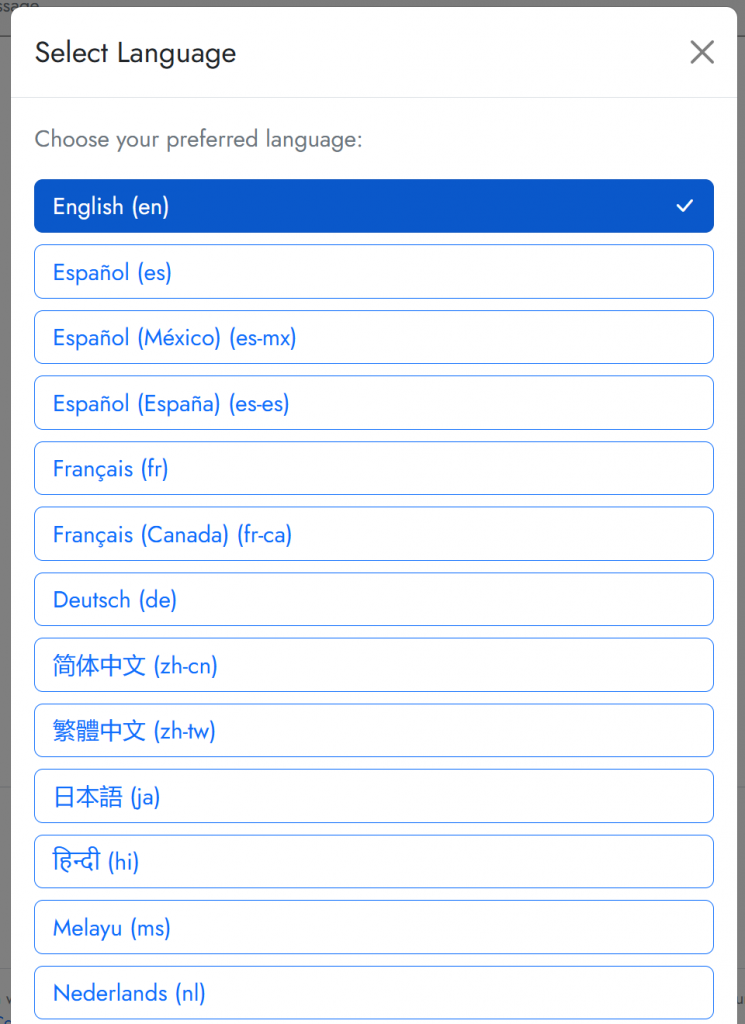
Pick a language from the language selector that pops up. Depending on your organisation’s settings, you may only have a subset of languages available. Once you click on an option, the interface will refresh and update.
When logged into Cogniti independently #
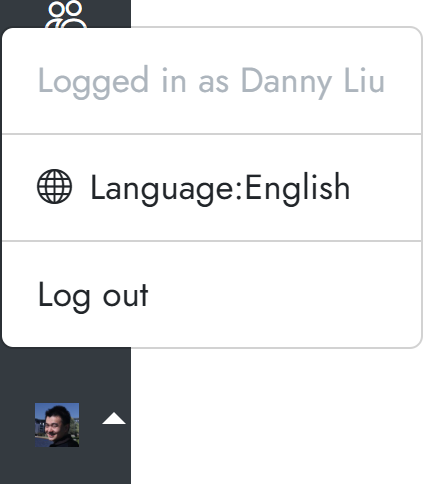
Once logged in, click on your user icon in the bottom left and click the Language menu option.
Pick a language from the language selector that pops up. Depending on your organisation’s settings, you may only have a subset of languages available.


