Conversations can be flagged manually by the user, or automatically by AI content safety filters. Both types of flag are available in Cogniti’s AI Conversation Safety Review page.
See flagged conversations across multiple agents #
If you have access, a flag icon will appear in the left menu bar. Click it to navigate to the conversation safety review page. The numerical badge also displays how many un-reviewed conversations remain.

The AI Conversation Safety Review page is a table and can be filtered by the flag type, and by review status. You will only see the agents that you have access to.
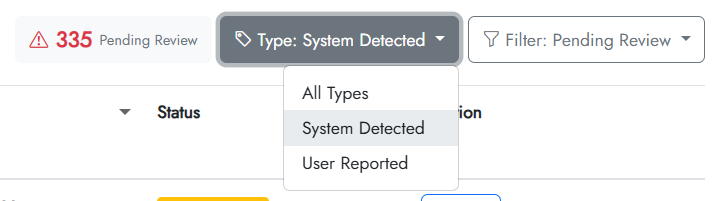
The table shows the flag type, the reason, the user, the agent, date, status, and action buttons.
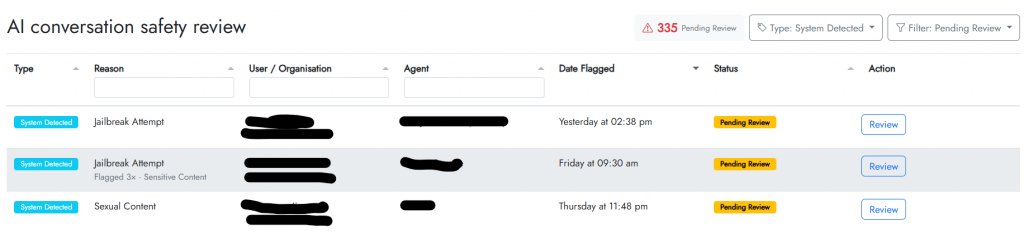
To see the detail of a flag and review it, click the Review button. A dialog appears that shows the details of the flag and the conversation for your review.
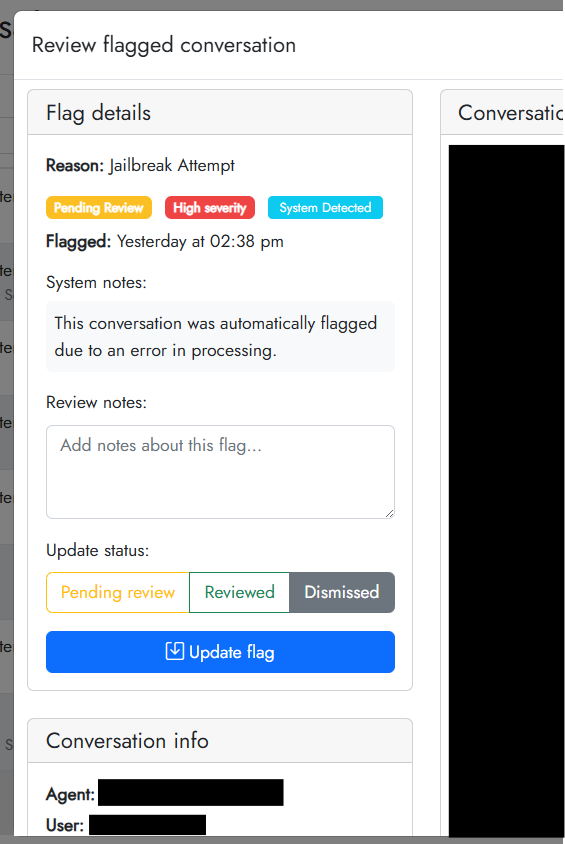
You can add review notes and update the status, clicking Update flag to save the review outcome.
See flagged conversations for a single agent #
View the conversation history for the agent you would like to see the flags for.
In the conversation history list, flags will appear in the right hand column:
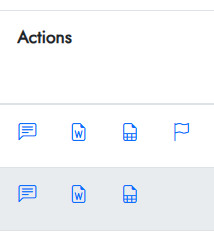
You can open the conversation using the chat icon and review the flags.


