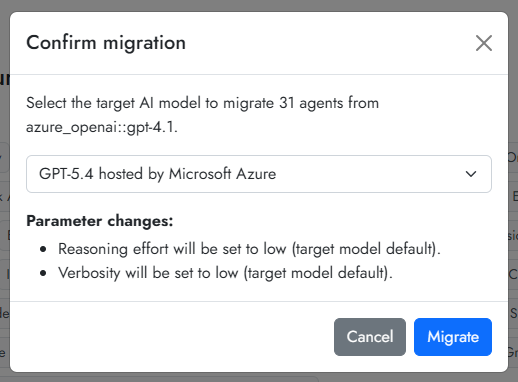
New AI models are released regularly, and these can usually be implemented in Cogniti. Different AI models have different behaviours and responses to system messages as well as to user conversations. Because of the different behaviour as models change, we usually recommend updating the selected AI model one agent at a time, working with educators to ensure that the agent is still responding in the expected ways.
Organisation administrators can bulk migrate agents to a different AI model if necessary.
To do so, access your organisation’s edit page.
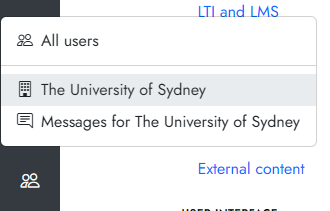
Click the AI models tab and then click the Model migration button.

You will see a list of deprecated AI models, and the number of affected agents. Click the chevron to expand.
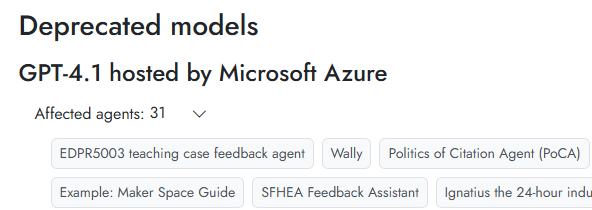
To bulk migrate agents, click the Migrate all X agents button.

You need to choose an AI model to migrate agents to, and then click Migrate. Note that migration is one-way and not reversible in bulk.