
Once you create an agent in Cogniti, you can embed this into your Brightspace course as an external tool activity to make it easier and more seamless for students to use your agent. This way, they don’t need to create an account, and can use your agents right where they are engaging with learning.
Note: To embed Cogniti into Brightspace, your Brightspace administrator will need to have added it as an LTI plugin. Ask them to get in touch with us to do so.
Create an agent #
You’ll need to have a Cogniti agent created first.
Different embedding approaches #
Depending on how your Brightspace administrator has set up Cogniti, you might be able to embed Cogniti assets in a number of different ways.
Embed as an activity into course content #
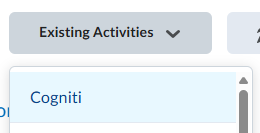
In your Brightspace course content area, add an activity from Existing Activities.
A list of agents will appear. You can search for the agent you need. Locate the agent, and then click Select this agent. This will tell Cogniti which agent to associate with this Brightspace activity.
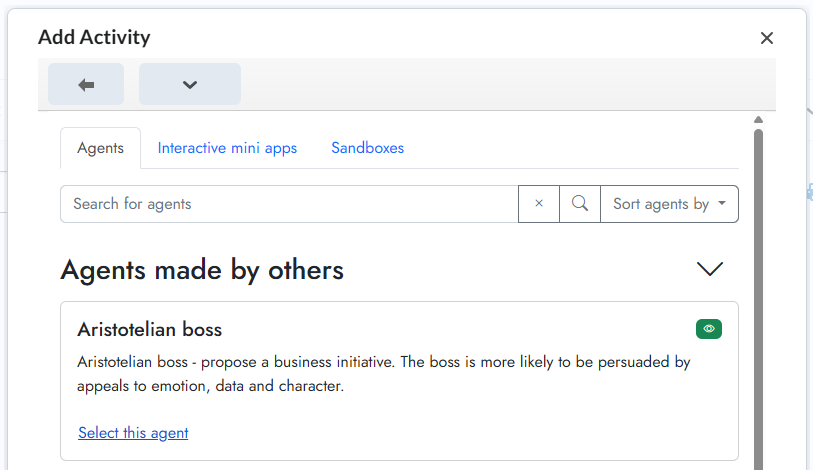
The dialog will update and return you to Brightspace, with the selected agent showing as a content link.
Embed as a Quicklink into a Module #
In your Brightspace course, add an activity by clicking Add Existing.

Click the More button.

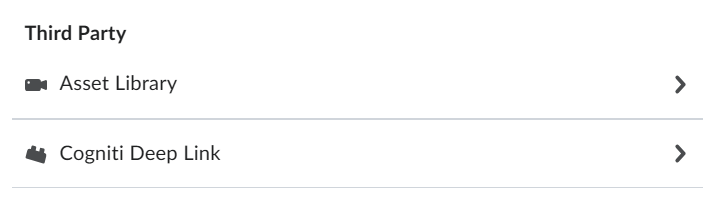
In the dialog that shows up, find Cogniti in the Third Party section. Click it.
A list of agents will appear. You can search for the agent you need. Locate the agent, and then click Select this agent. This will tell Cogniti which agent to associate with this Brightspace activity. The dialog will update and return you to Brightspace, with the selected agent showing as a Quicklink.
Embed it as Insert Stuff in an HTML page #
Create a new web page or edit an existing one. In the page content toolbar, click the Insert Stuff button:

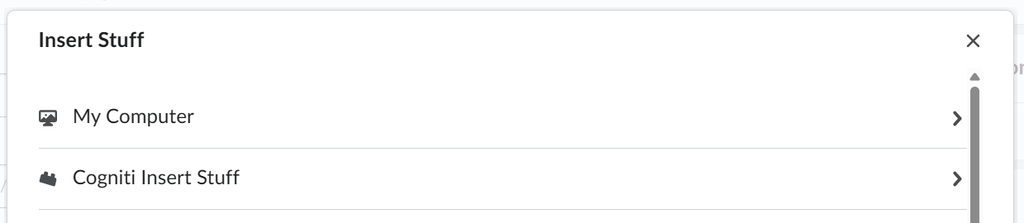
Find Cogniti in the menu and click it.
A list of agents will appear. You can search for the agent you need. Locate the agent, and then click Select this agent. A preview will appear. Click Insert.

Remember to save the web page.
Embed it as an External Tool Activity #
In your Brightspace course, add an activity by clicking Add Existing.
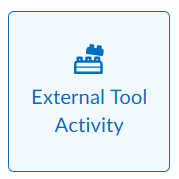
Add an External Tool Activity.
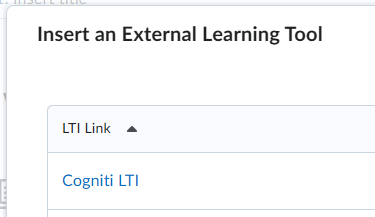
Find and click the Cogniti link that has been set up for you by an administrator.
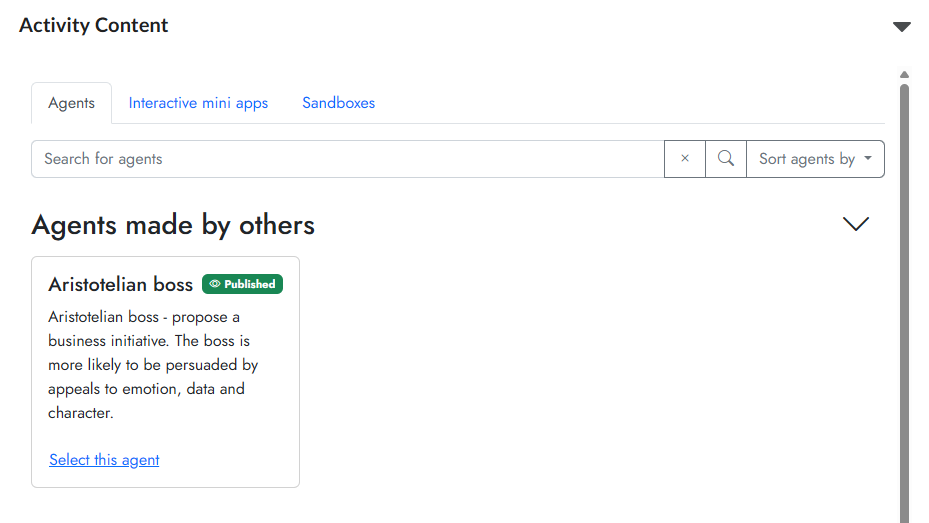
A list of agents will appear. You can search for the agent you need. Locate the agent, and then click Select this agent. This will tell Cogniti which agent to associate with this Brightspace activity.
If successfully associated, a message will appear asking you to reload the page.

Reload the page and your agent will appear.
If you need to select a different agent, repeat the steps above to create a new activity.


