Once you create an agent in Cogniti, you can embed this in Blackboard to make it easier and more seamless for students to use your agent. This way, they don’t need to create an account, and can use your agents right where they are engaging with learning.
Note: To embed Cogniti into Blackboard, your Blackboard administrator will need to have added it as an LTI plugin. Ask them to get in touch with us to do so.
Create an agent #
You’ll need to have a Cogniti agent created first.
Add to Course Content #
Click the add line to add a course content item

Select Content Market.

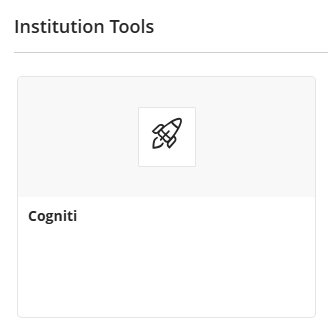
In the dialog that appears, select Cogniti.
A dialog with a list of agents will appear. You can search for the agent you need. Locate the agent, and then click Select this agent.
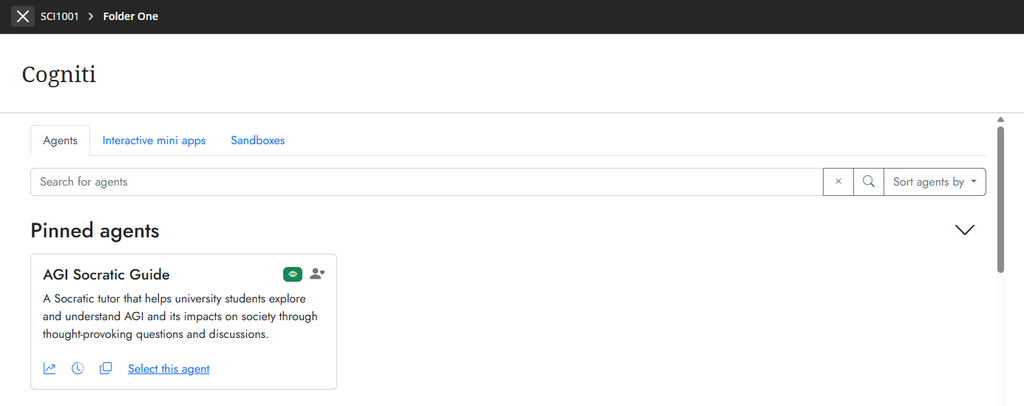
The agent will then be embedded in Blackboard at the position you selected.
If you need to rename the content item in Blackboard, click the kebab (three dots) menu and choose Edit.